
Animate a fantasy opening frame
Kling official demonstrationKling 4.0 AI Video Generator
Explore Kling 4.0 through real video examples, reusable prompts and a creative workspace. Direct your next scene with text, images, motion and sound, using the models available in the selector.
Kling 4.0 is in early access on fal; public API endpoints and pricing are pending. This workspace starts with Kling 3.0. Examples load their labeled compatible engine. Check fal availability
0/2500
Examples
1 / 6101
Kling 4.0 · Introduction
Motion, sound, references, storytelling.
Kling 4.0 · 4K · Stereo Audio
Kling 4.0. Bring scenes to life.
Kling 4.0 is built around realistic movement, expressive characters and stronger creative control. The official release moves beyond a striking single frame: facial expression, material texture, lighting and camera direction work together through a complete scene. A glance can lead into hesitation, dialogue and a visible reaction, giving short films, product stories and everyday portraits more room to develop.
The Kling 4.0 specification combines text-to-video, image-to-video, first and last frames, and up to ten keyframe images. Clips range from three to thirty seconds, with 720p, 1080p and 4K output and ultrawide, landscape, square and vertical formats. Two-channel stereo adds spatial detail to voices and ambience. The announcement marks 10-bit HDR and video extension as coming soon. Kling 4.0 Flash targets frequent iteration, with three-to-twenty-second clips at 720p and 8-bit SDR; the release describes limited early access beginning September 28.
Explore the Kling 4.0 demonstrations alongside their source images and reusable briefs. Earlier H3 Max videos remain in the original library below. This independent workspace connects the engines shown in its selector; official demonstrations describe the source model, while actual generation follows the selected engine. Choose a scene, load its available inputs and make it your own.
3–30sUp to 10 keyframesOmni ReferenceStereo audio
Read the official Kling releaseA studio vocal performance
Kling official demonstrationRecreate a product reveal
Kling official demonstrationA reunion at dusk
Kling official demonstrationOriginal H3 Max showcase
One look held across every shot
Playable-looking game footage
Claymation frog with pancakes
Camera moves you can direct
02
Kling 4.0 · How to use
Prompt, settings, review, iteration.
Build a Kling 4.0 scene from the right references
Kling 4.0 combines several ways to direct a scene: written instructions, opening and closing images, key visual moments, and references for subjects or motion. Start with the demonstration closest to your idea. The illustrated steps retain the original workspace workflow, and each connected example loads its supported inputs without submitting a generation.
- STEP 1
Choose a Kling 4.0 example
Pick a scene with the right input type. Use This Prompt selects a compatible engine and loads its brief, references and settings.
- STEP 2
Add your Kling 4.0 references
Keep the supplied source image or video, then replace references deliberately. Review each input so identity, motion and composition have clear roles.
- STEP 3
Describe your Kling 4.0 scene
Name the subject, action, camera and sound. Add dialogue and visual transitions in their intended order, keeping important details consistent throughout the shot.
- STEP 4
Generate and review your scene
Check the selected engine, output settings and credit estimate. Generate when ready, compare motion and sound, then refine the brief or download your result.

Input

Image 1

Image 2

Image 3
Video 1
Audio 1
Output
Prompt:Using the character actions and camera language from @Video 1, generate a combat sequence featuring the characters from @Image 1 and @Image 2, set against the background of @Image 3. The fight choreography and visual style should emulate the pixel-art, side-scrolling combat of the classic game Contra, including retro movement rhythms and arcade-style impact beats. Apply the background music from @Audio 1, and synchronize additional combat sound effects—hits, jumps, and weapon actions—with the on-screen fighting motions to enhance intensity and immersion.
The original case has no separate audio file; the reusable brief requests an original soundtrack.
03
Kling 4.0 · Features
Capabilities, prompts, editing, models.
See Kling 4.0 capabilities in the scenes they shape
Kling 4.0 highlights connect directly to the demonstrations below. Each card pairs a specific capability with its official video and available reference inputs. Compare performance, continuity and composition in context, then reuse the same brief in the workspace. Original H3 Max capability cards follow with their existing media and prompt controls.
Kling 4.0 dynamic motion
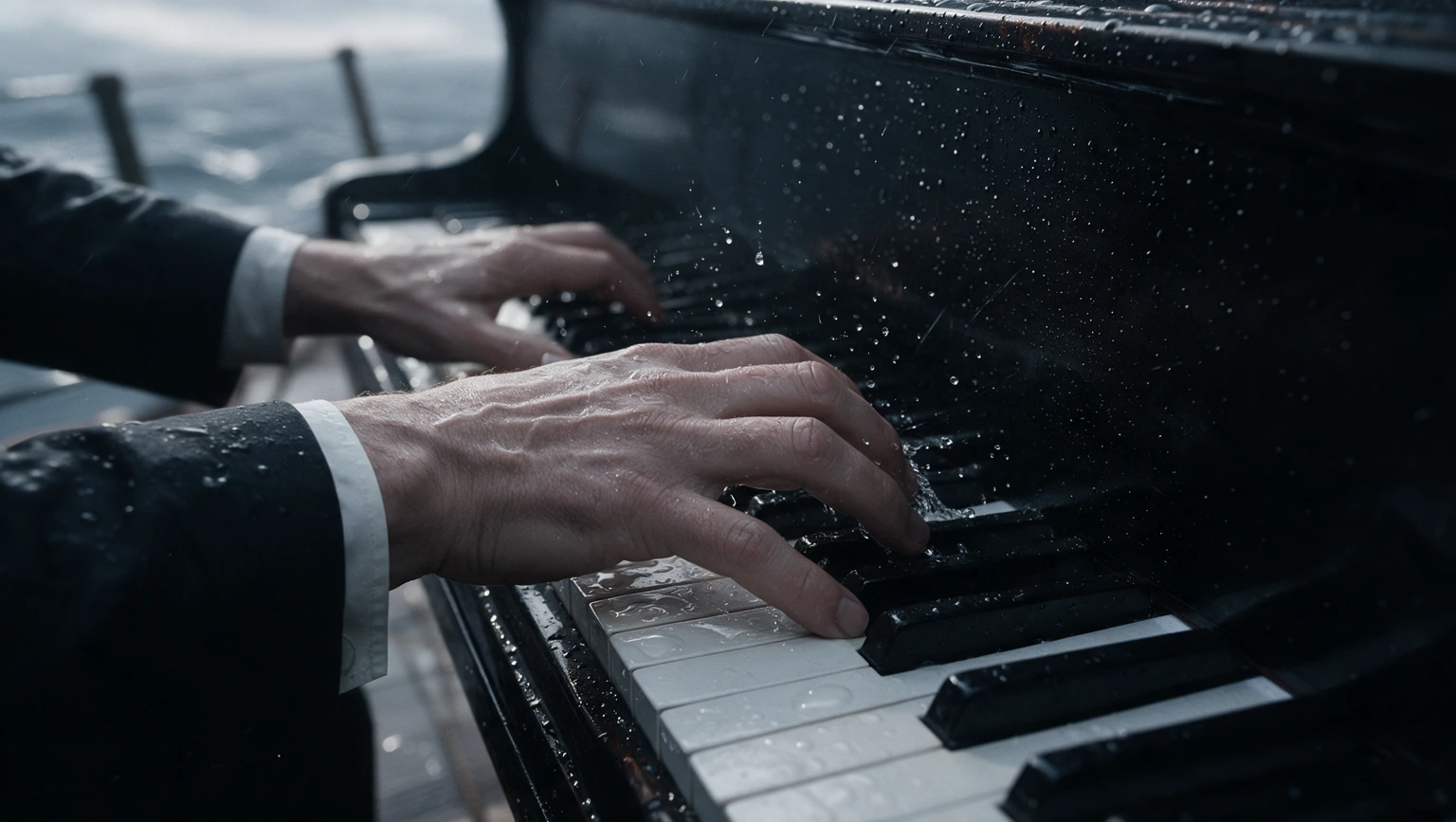
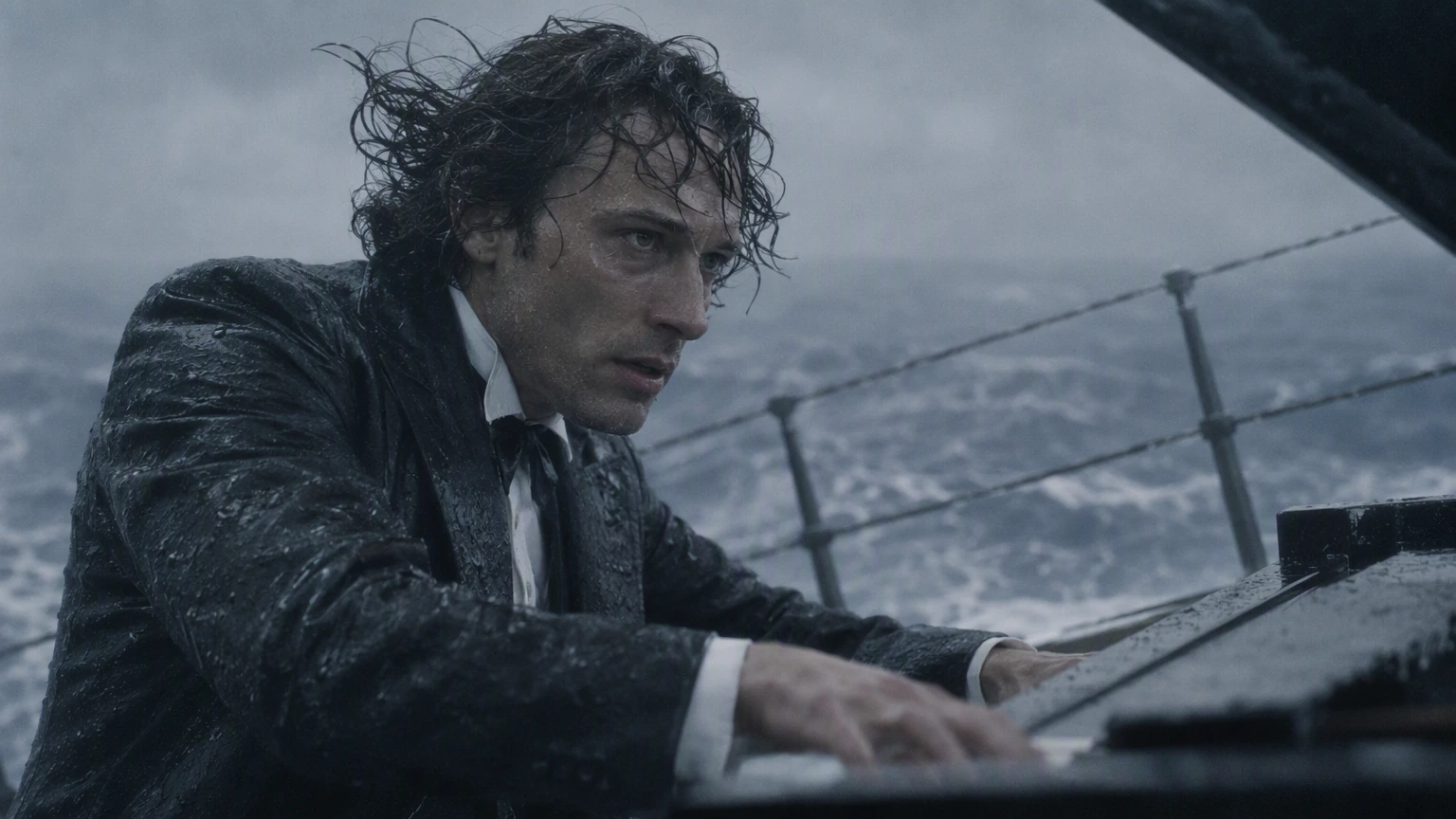
Tracking shots, orbiting cameras and fast action are central to the release. Kling 4.0 aims to keep subjects and spatial relationships stable through complex movement. In the fantasy demonstration, the original illustration anchors appearance while hair, fabric and camera position change. The source image appears beside the result, ready to reuse rather than being replaced by a preview frame.
Kling 4.0 stereo and lip sync
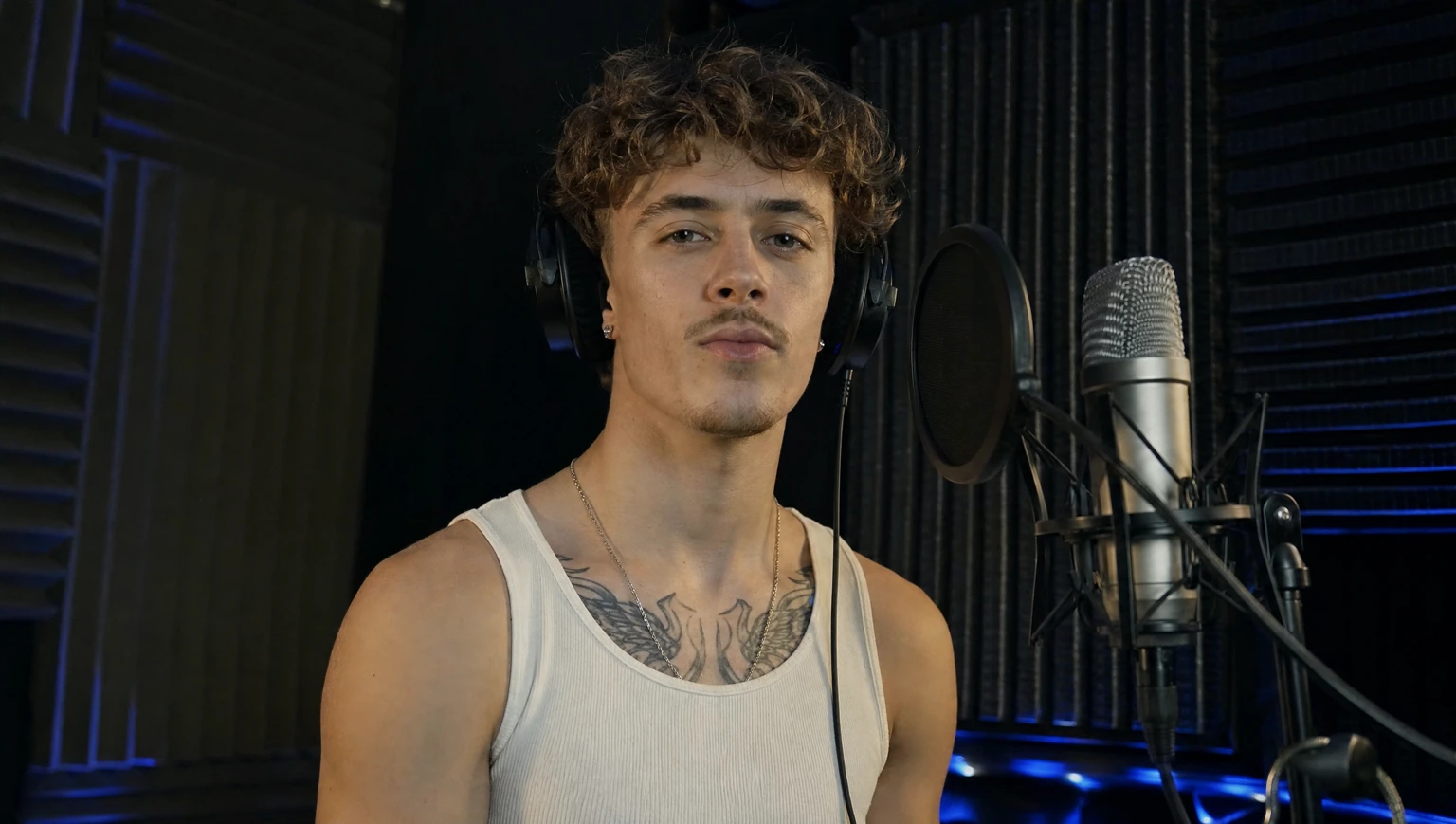
A studio performance brings facial movement and sound into the same creative decision. Kling 4.0 introduces stereo output and closer alignment between voices and visible delivery. Watch the performer breathe, move and sing while the room remains coherent. Reuse the actual portrait to preserve the subject, and review the selected engine's audio setting before generating.
Natural vlogger introduction
Kling official demonstrationKling 4.0 expressive realism
The vlogger demonstration puts small expressions, conversational gestures and believable lighting at the center of a familiar scene. Kling 4.0 emphasizes faces, body language and emotional nuance. These details matter when a person is speaking directly to an audience: a convincing reaction should carry through the shot instead of appearing only in its opening frame.
Kling 4.0 Omni Reference
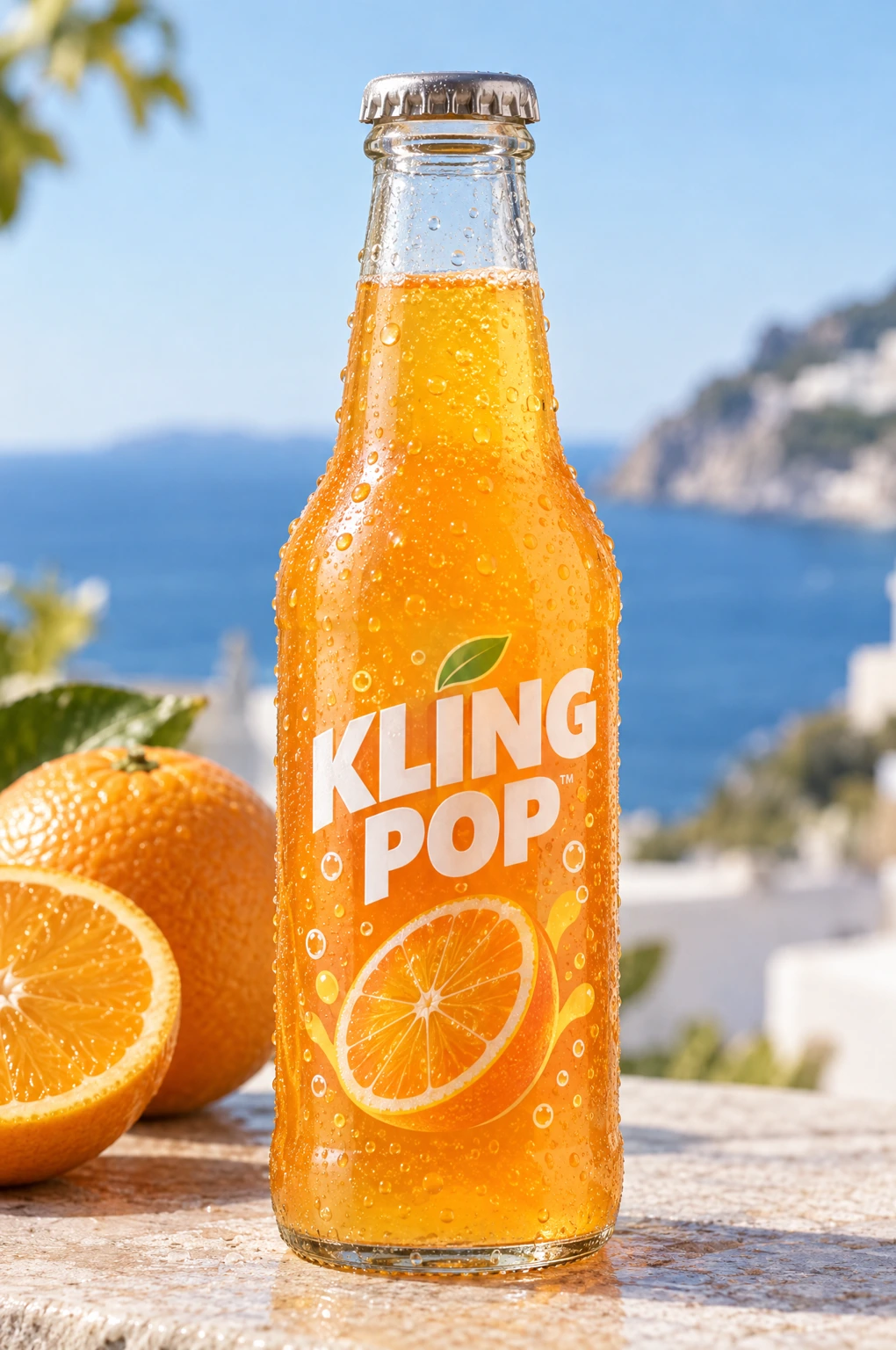
The product recreation pairs a reference video with a bottle image. Kling 4.0 uses references to communicate identity, camera movement and narrative pacing together. Its specification allows fifteen combined reference items, with separate limits for images, videos and subjects. Here the actual clip guides timing and composition while the product image defines the object to retain.
Kling 4.0 multi-keyframe control
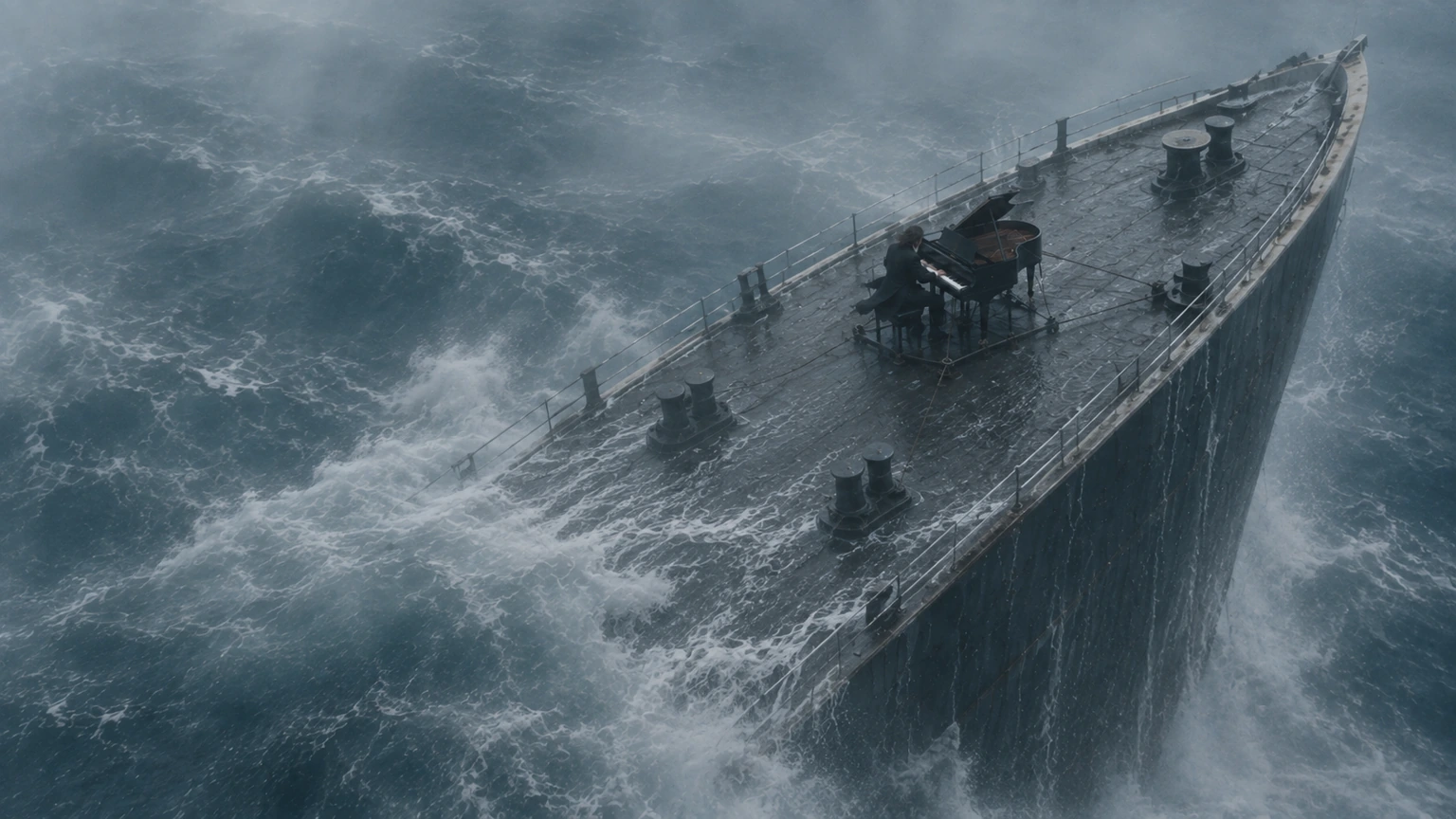
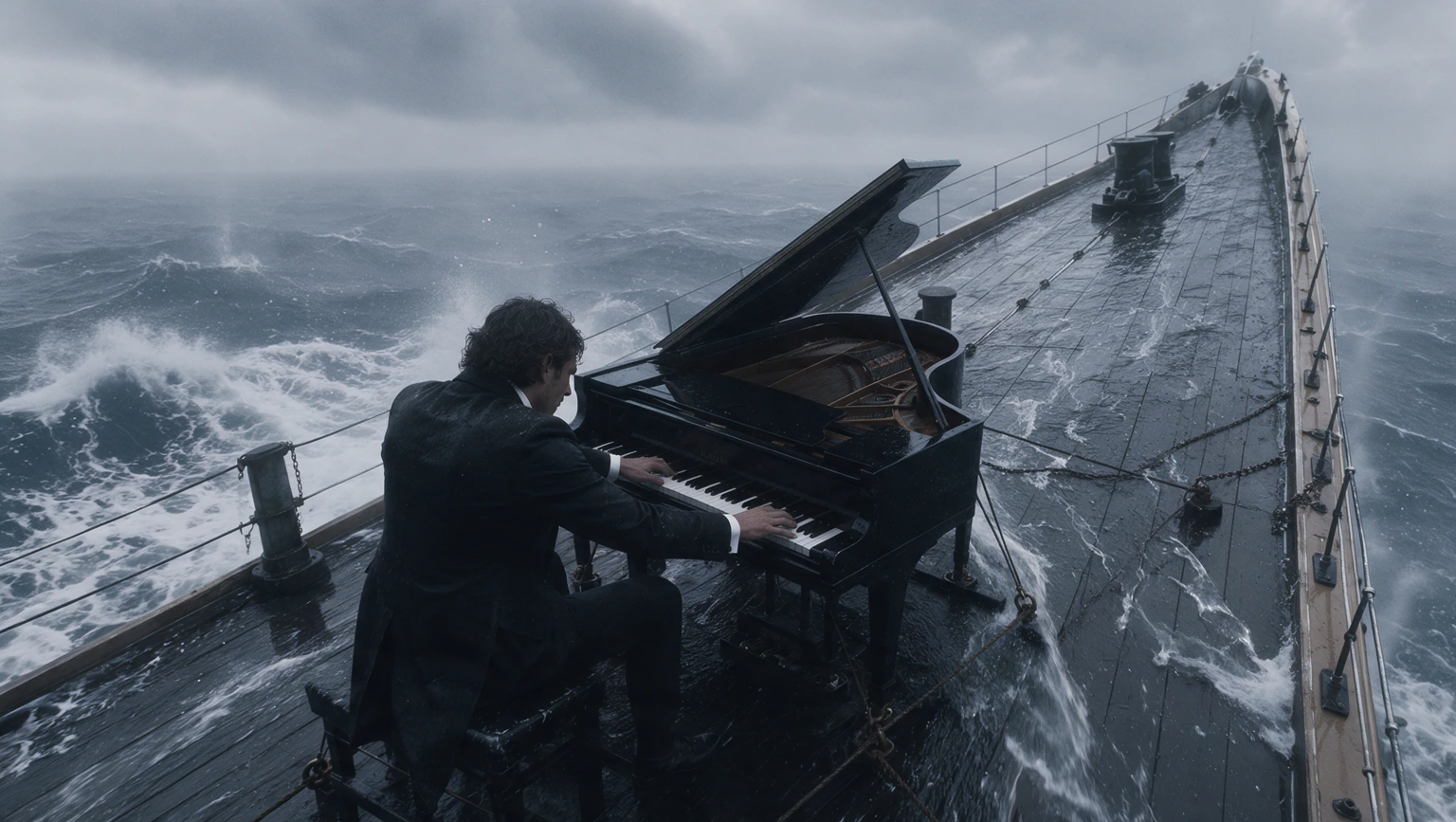
Keyframes establish important visual moments before motion connects them. Kling 4.0 supports up to ten keyframe images, giving character states, scene changes and story beats explicit anchors. The paired demonstration shows those source frames beside the finished sequence. Its reusable brief keeps their order and visual continuity; the workspace displays the references supported by the compatible engine.
A reunion at dusk
Kling official demonstrationAn opinion about AI
Kling official demonstrationKling 4.0 continuous storytelling
A reunion at dusk develops recognition, approach and an embrace within one continuous shot. Kling 4.0 extends a single generation to thirty seconds and strengthens camera direction across narrative beats. A second speaking example shows how a concise idea becomes a complete performance. Compare both approaches: precise staging for a planned scene, or a short brief centered on character and delivery.

Kling 4.0 creative recreation
The reference-led kitten scene preserves pacing and framing while changing the central subject. Kling 4.0 describes recreation as a way to adapt existing creative patterns for new characters, products and environments. The original reference video and kitten image remain separate inputs. Their roles are visible before reuse, so the brief can preserve motion while directing the replacement clearly.
Kling 4.0 targeted video editing
The style-editing demonstration changes visual treatment around an existing clip. Kling 4.0 also describes edits to expressions, movement, camera positions and backgrounds while retaining useful scene structure. Compare the actual input video with the published result. The reusable prompt defines the intended transformation and the elements to preserve, making the reference more useful than an isolated finished video.

Handcrafted clay animation
Kling official demonstrationKling 4.0 game and visual styles
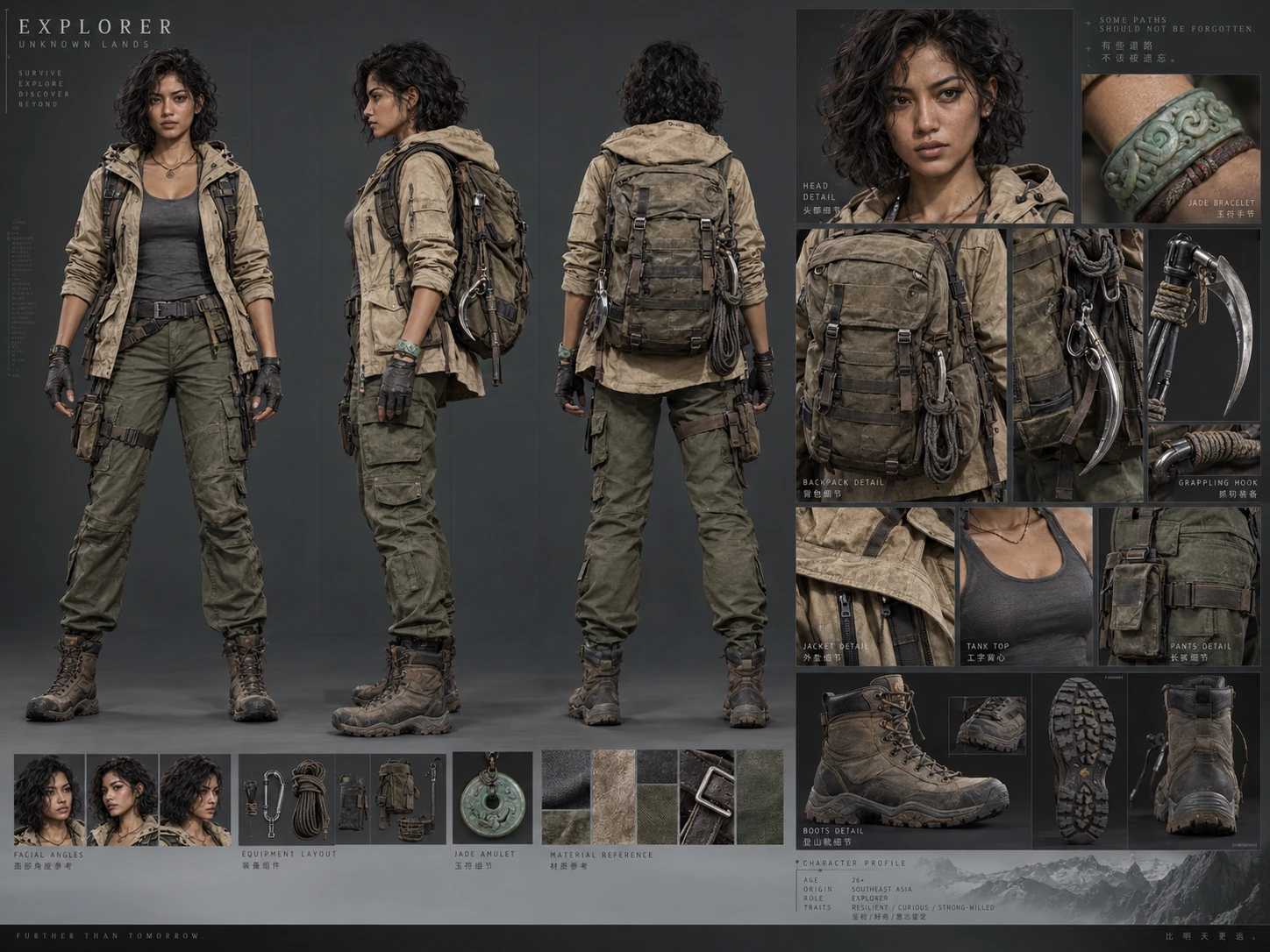
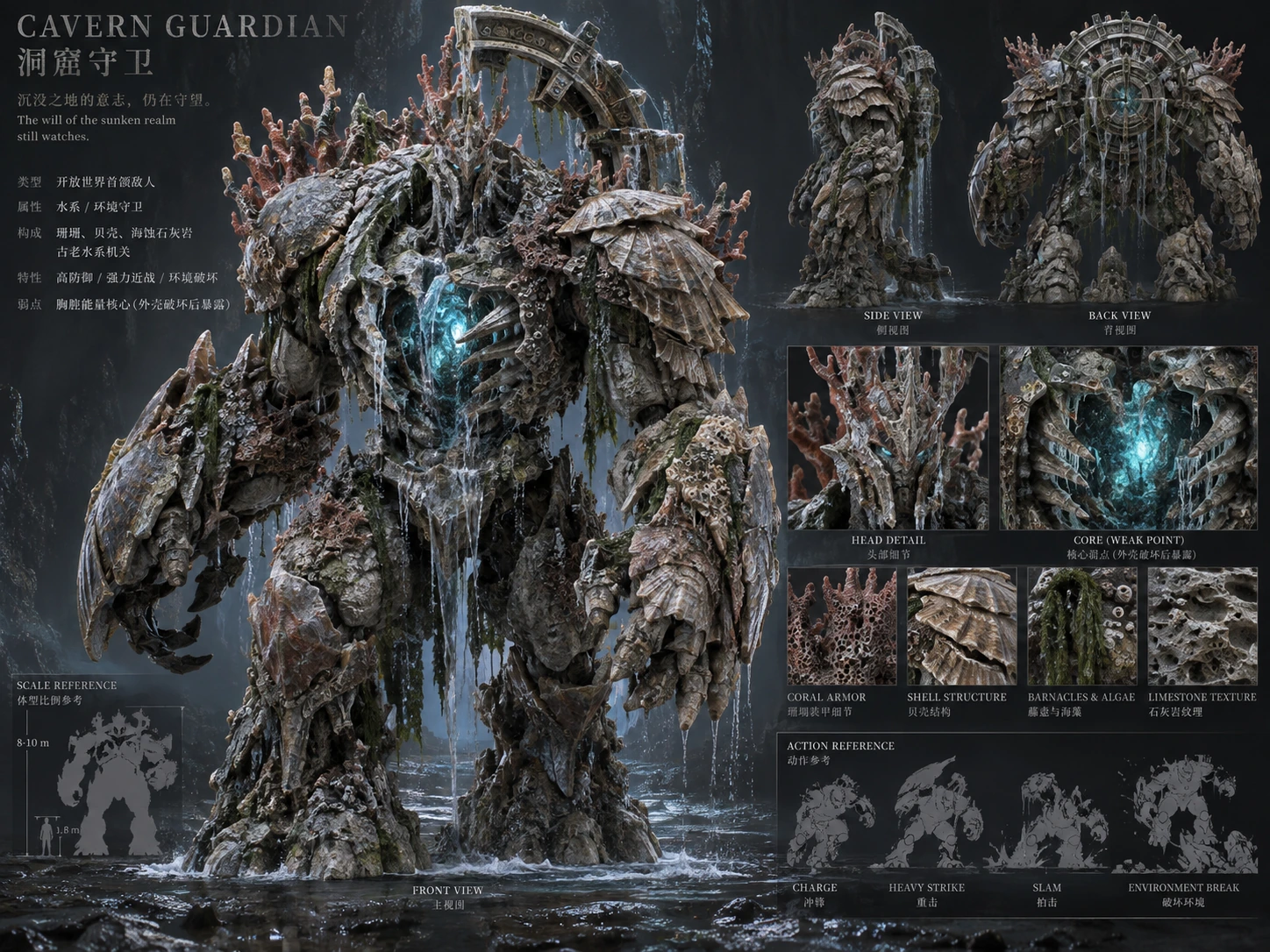
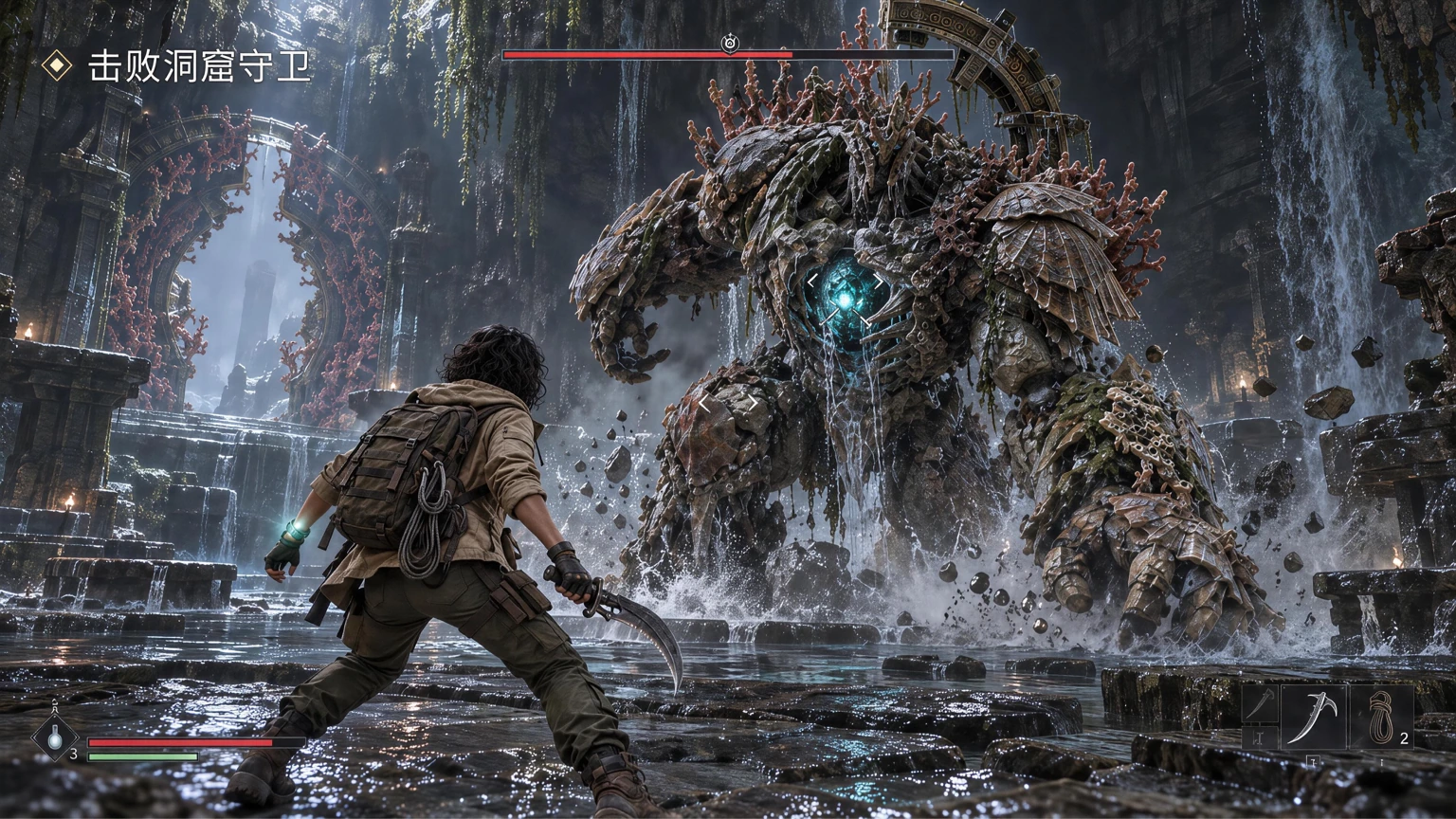
Game interfaces and distinctive art styles broaden the release beyond realistic portraits. Kling 4.0 uses reference images to direct layout, readable graphics and visual identity; its examples also explore clay animation, felt textures and cyber aesthetics. The game-interface source stays attached to its demo, while the clay scene offers a separate text brief for a contrasting handmade look. Kling 4.0 also supports multilingual dialogue and on-screen text, including Chinese and English. Regional accents, emoji and logos give advertising and character scenes more expressive options while keeping key messages readable through camera movement.
Original H3 Max capabilities and examples
Camera moves you can direct
Two stills become one shot
The same character, shot after shot
Sound generated with the picture
One look held across every shot
It hits the beats in order
One continuous take, no cuts
Playable-looking game footage
A line to camera, lip synced
Claymation frog with pancakes
Hummingbird at a trumpet flower
Espresso, macro
04
Kling 4.0 · User reviews
Reviews from the original H3 Max library.
Creator perspectives from the original H3 Max library
The original review cards remain here with their H3 Max wording and author attributions. They describe the earlier library, not new Kling 4.0 customer experiences. Their practical concerns—character continuity, readable interfaces, product identity and editing—also help explain what creators look for in a finished scene. No quotes have been rewritten to claim results from another model.

Marcus Deleon
Indie Game Developer
I made a full character PV for my game with MiniMax H3 in one afternoon. The menu UI stayed readable in every frame and the character never went off-model. That used to cost me a contractor and three weeks.

Aiko Tanabe
Animation Studio Lead
We tested every AI video generator on the market for stylized work. H3 is the only one that held our anime style across cuts. We now use it for pitch reels and animatics on every project.

Priya Raghavan
E-commerce Brand Owner
I uploaded four product photos and got a listing video with music and a voiceover the same day. My click-through rate on the new listings is up 38%. H3 even got the label text on my packaging right.

Danielle Whitfield
Social Media Manager
I ship five vertical videos a week for three brands. MiniMax H3 gets me from brief to draft in under an hour, with sound already synced. My old workflow needed a videographer and two review rounds.

Tomás Herrera
Freelance Video Editor
The editing side is what sold me. A client wanted the background of an interview changed — I typed one sentence into MiniMax H3 and the lighting on the subject matched the new scene automatically.

Oliver Bennett
Film Student
I previsualized my entire short film in MiniMax H3 before we shot a single frame. Rack focus, match cuts, even the title cards — it understands director language, not just keywords.
05
Kling 4.0 · Pricing
Plans, credit packs, generation costs.
Plan your Kling 4.0 creative work with clear credits
Browse Kling 4.0 demonstrations before choosing a plan. The original subscription and credit-pack controls remain available for the connected tools. Generation pricing follows the actual engine, duration, resolution and reference settings, with an estimate before submission. The same settings consume the same generation credits across monthly plans, annual plans and one-time packs.
For a Kling 4.0 concept, begin with a short test that resolves the main creative question, then reserve credits for variations or refinement. Read the displayed renewal and expiry terms before checkout. These workspace plans are separate from official Kling subscriptions; browsing a release demonstration does not unlock an unconnected generation endpoint.
Cancel anytime
Prices include applicable tax. Purchasing confirms the price and credit terms shown here. Annual credits arrive in 12 monthly allocations, expire each subscription month and do not roll over.
Pay once annually; receive 1/12 of your annual Credits each month. The first allocation arrives after payment, followed by monthly subscription anniversaries.
Lite
50% off0.025 / credit
$29.9$14.950% off
Billed $ yearly179· Save $179.8
600/month
Video Models
MiniMaxSeedanceWanGrok ImagineKling



Image Models
SeedreamGPT ImageNano Banana



- Includes MiniMax H3 and all premium models
- Up to 1 batch generation task
- Standard generation speed
- Standard generation success rate
- Standard customer support
- Commercial Use License
Standard
50% off0.017 / credit
$49.9$24.950% off
Billed $ yearly299· Save $299.8
1,500/month
Video Models
MiniMaxSeedanceWanGrok ImagineKling
Image Models
SeedreamGPT ImageNano Banana
- Includes MiniMax H3 and all premium models
- Up to 4 batch generation tasks
- Priority processing speed
- High generation success rate
- Priority customer support
- Commercial Use License
Pro
50% off0.014 / credit
$99.9$49.950% off
Billed $ yearly599· Save $599.8
3,600/month
Video Models
MiniMaxSeedanceWanGrok ImagineKling
Image Models
SeedreamGPT ImageNano Banana
- Includes MiniMax H3 and all premium models
- Up to 10 batch generation tasks
- Fastest generation speed
- High generation success rate
- Dedicated account manager
- Commercial Use License
Max
50% off0.012 / credit
$199.9$99.950% off
Billed $ yearly1,199· Save $1,199.8
1x
1x2x3x4x5x
8,000/month
Video Models
MiniMaxSeedanceWanGrok ImagineKling
Image Models
SeedreamGPT ImageNano Banana
- Includes MiniMax H3 and all premium models
- Up to 10 batch generation tasks
- Fastest generation speed
- High generation success rate
- Dedicated account manager
- Commercial Use License
Pay safely and securely with






















06
FAQ
Inputs, outputs, credits, boundaries.
FAQ
Kling 4.0 questions before you create
Official specifications, source references, reusable examples and the current workspace.
Kling 4.0 describes text-to-video, image-to-video, first and last frames, Omni Reference and multi-keyframe storytelling. The official examples cover portraits, advertising, animation, games and short drama. Its published specifications describe the source platform; this workspace shows the engines and settings currently available here.
Kling4 support: hi@kling4.tools
07
CTA
Turn evidence into generation.
Start creating
Give your next Kling 4.0 idea a scene
Find the Kling 4.0 demonstration that matches your subject or camera idea. Load its brief and available references, describe the change you want, and review the selected engine and credit estimate. Keep the original scene's useful structure while making its performance, product or visual style your own. Your next draft begins in the workspace above.
Start GeneratingReusable source inputs
Credits shown before generation
Choose an available engine